Features
Everything you need to synchronize Outlook data with your Android device.
List of Features
Two-way and one-way synchronization
Synchronize Outlook and Android data in both directions, or choose one-way synchronization when needed.
Direct synchronization without the cloud
Synchronize Outlook and Android data directly over Wi-Fi, 5G, Bluetooth, or USB. No cloud or third-party synchronization service is required.
Sync Outlook Calendar, Contacts, Tasks, and Notes
Synchronize Outlook Calendar and Contacts with the native Android apps, and Outlook Tasks and Notes with the built-in Tasks and Notes modules in Outlook-Android Sync.
Choose what to synchronize
Select which types of Outlook data to synchronize and choose the Outlook folders to include.
Keep categories and contact groups
Preserve Outlook categories, including their colors, and synchronize contact groups with Android.
Manage multiple accounts
Keep personal and business data separate and choose which Outlook and Android accounts to synchronize.
How Outlook-Android Sync works
1. Connect your devices
The Windows and Android versions connect directly using your selected connection method.
2. Compare your data
The Windows version retrieves Outlook data and compares it with the data on your Android device.
3. Synchronize changes
Changes are applied to Outlook and Android according to your synchronization settings.
Synchronization is two-way by default, but one-way synchronization can be selected in the settings.
Explore the Outlook-Android Sync interface

Main Window
View automatically detected PCs or connect manually by entering the PC's IP address. Manual connections support Wi-Fi, 5G, Bluetooth, and USB.
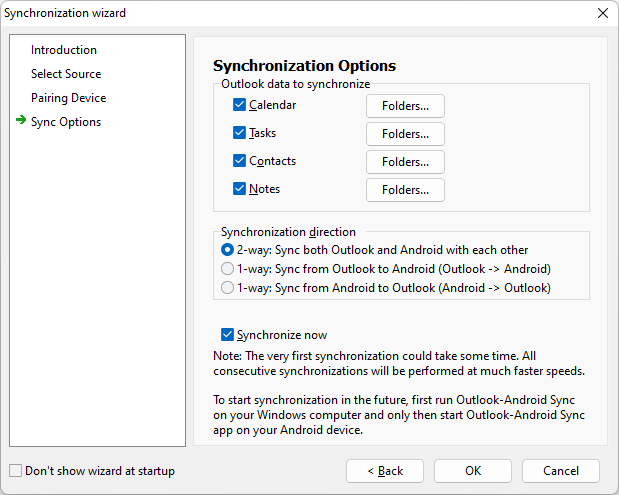
Sync Wizard
Set up the initial Windows-to-Android connection and start your first synchronization with the guided sync wizard.
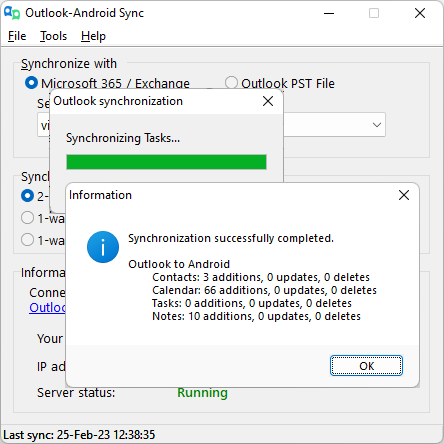
Synchronization Process
View synchronization progress and detailed information about the data being synchronized. You can safely cancel a synchronization at any time.

Main Window
View automatically detected PCs or connect manually by entering the PC's IP address.
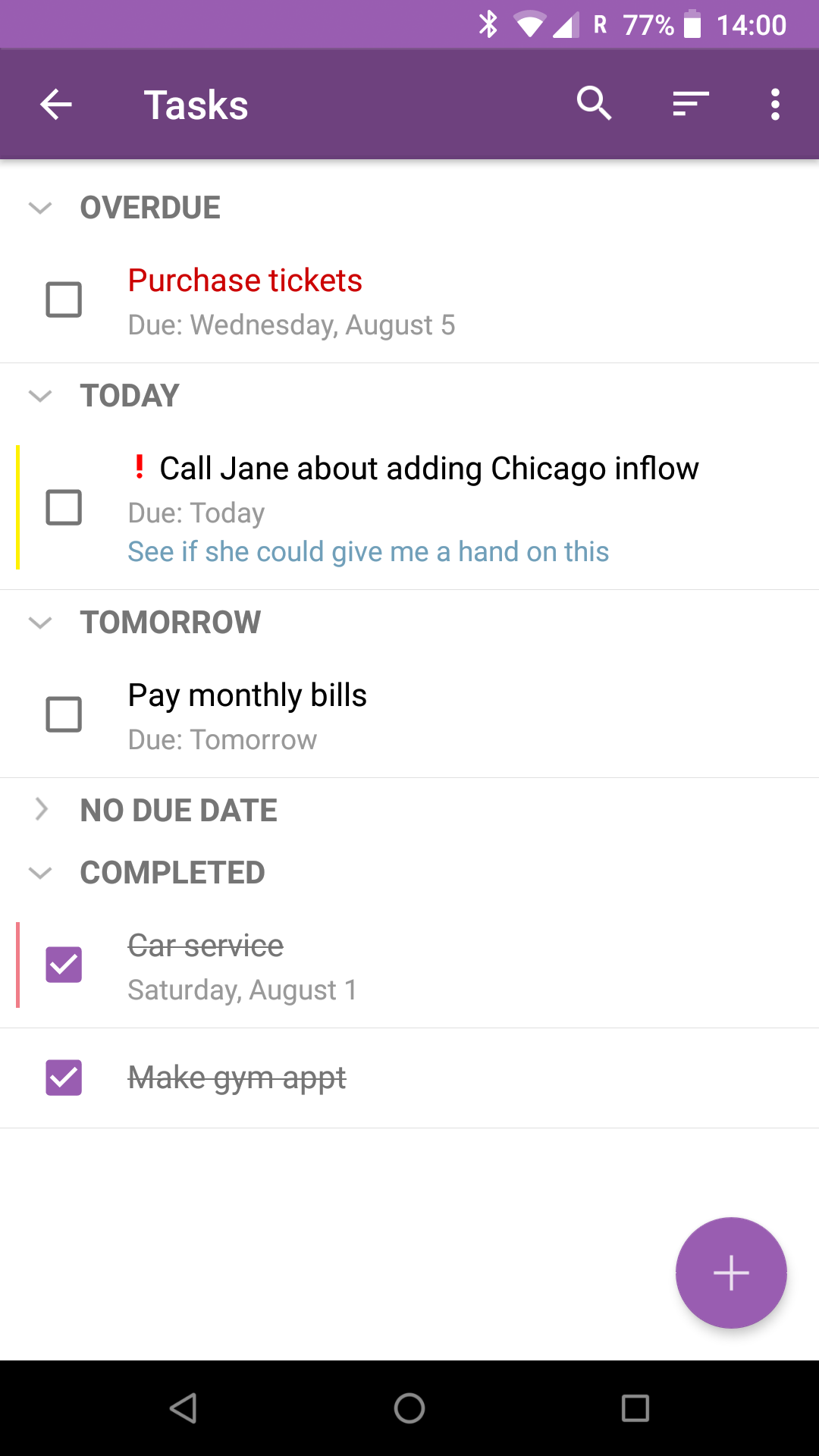
Tasks
Create and manage tasks on your Android device, then synchronize them with Outlook.
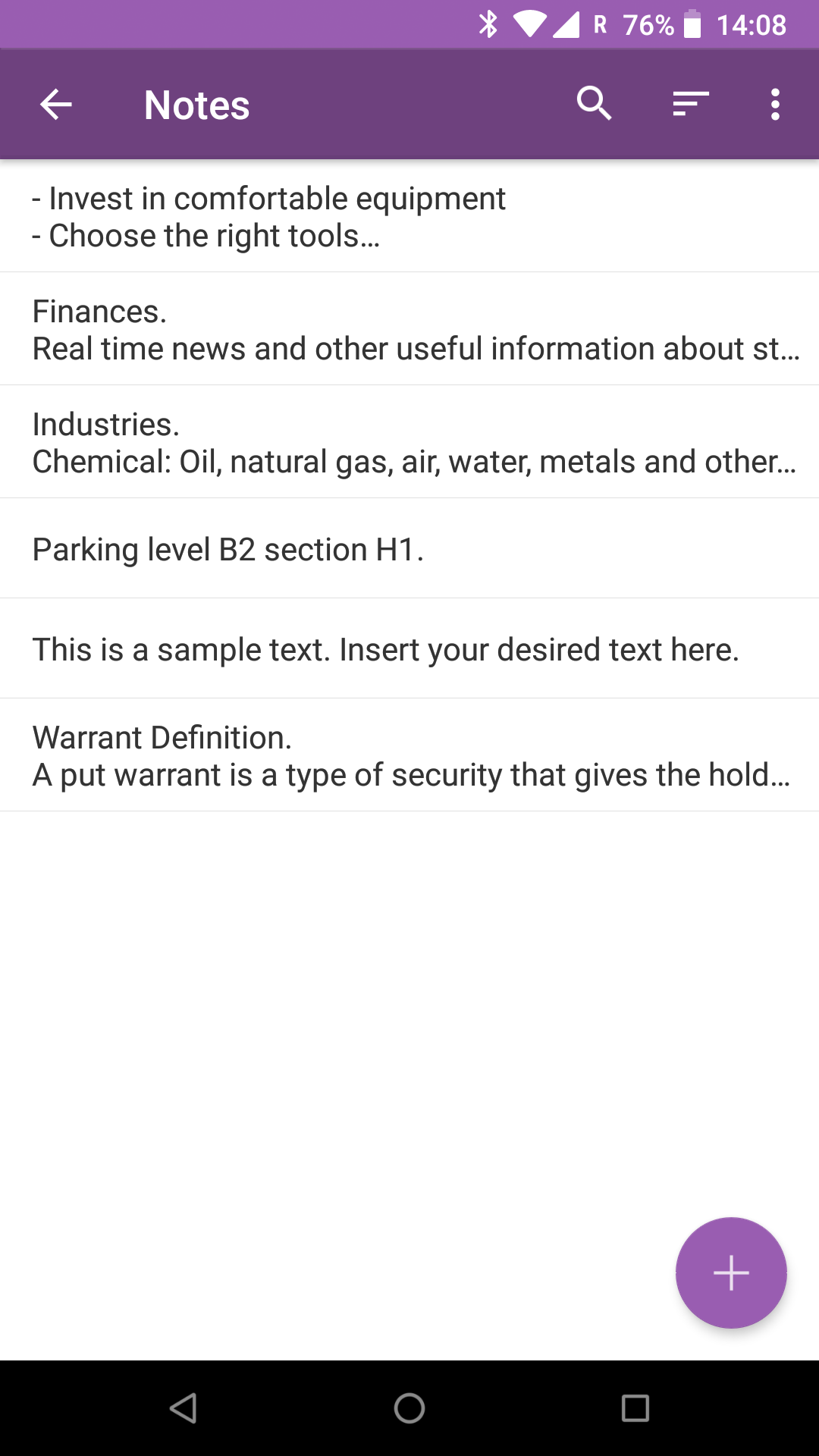
Notes
Create and organize notes on your Android device and keep them synchronized with Outlook.
Ready to get started?
Try Outlook-Android Sync with a 30-day free trial. No signup is required.